
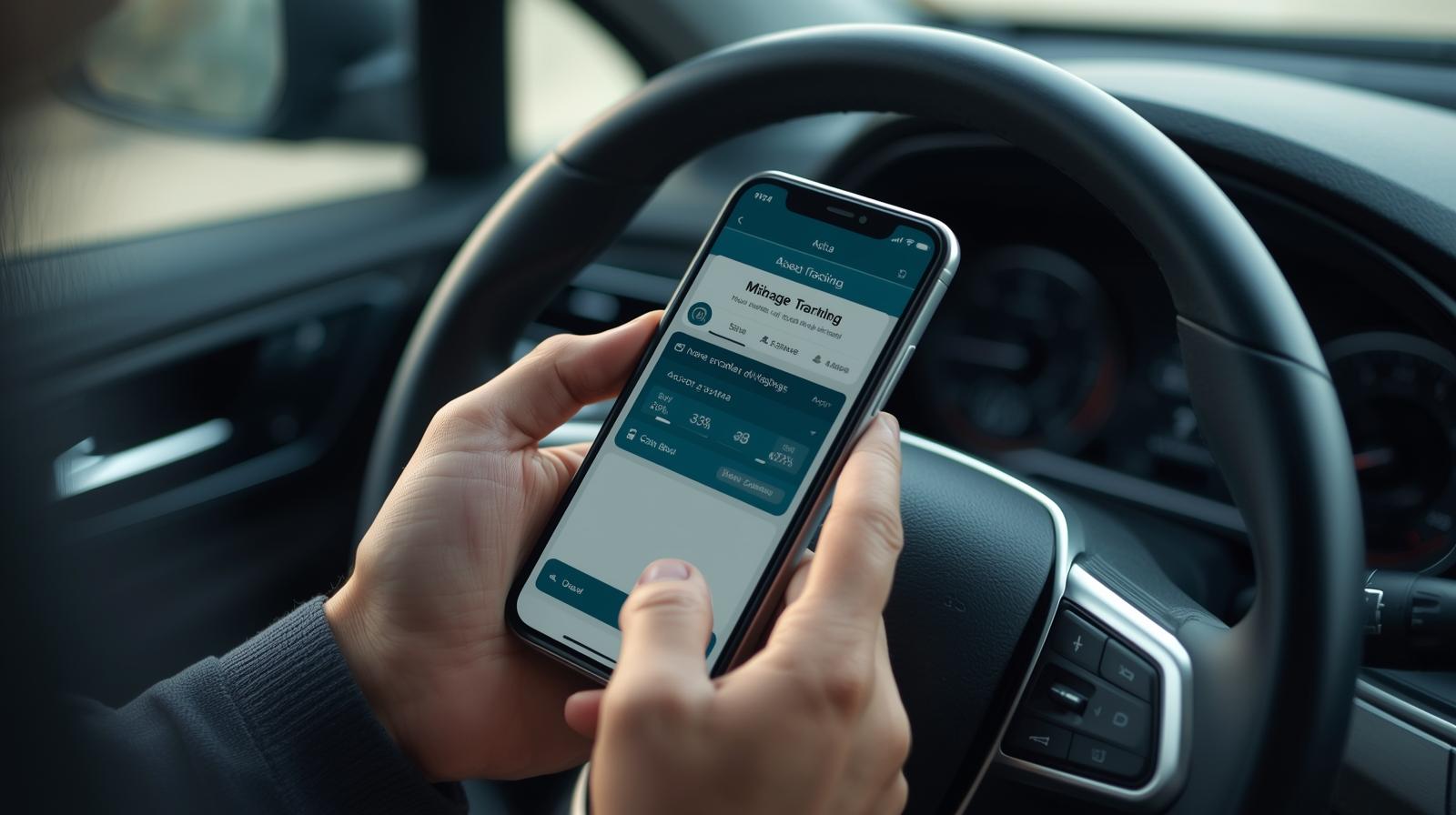
If you use your personal car for business travel, even just now and then, you could be missing out on a decent tax saving. The trick is knowing how to track mileage for your business in a way that’s quick, accurate, and HMRC-friendly.
The good news? It doesn’t have to be a faff. In fact, once you’ve got a simple system in place, mileage tracking becomes one of the easiest ways to reduce your tax bill and claim back some of the costs of running your vehicle.
This guide covers what you can claim, what HMRC expects, and how to make the whole thing easy using either a spreadsheet, logbook or a mileage tracking app like Xero or MileIQ (my personal favourite).
Why tracking mileage matters
Mileage is one of the most overlooked business expenses in the UK, yet it’s fully allowable if you record your journeys properly.
Every time you drive for work, you’re using fuel and putting wear and tear on your car. HMRC lets you claim for that using their approved mileage rates, which saves you from working out your actual fuel or repair costs.
But you can’t just guess the numbers. HMRC wants clear records and may ask to see them if you’re ever audited. That’s why getting a good tracking system in place now is a smart move.
What counts as business mileage?
You can claim for any journey where the main purpose is business-related. That includes:
Going to meet clients or customers
Driving to a temporary workplace or project site
Attending training courses or trade events
Picking up tools, equipment or stock
Travelling between different business locations
What doesn’t count:
Your daily commute to and from your regular place of work
Personal errands, even if you combine them with a business trip
Journeys where the business purpose isn’t clear or documented
If you mix personal and business in the same trip, only the business part can be claimed. Keep it honest and consistent.

What records does HMRC expect?
You don’t need to send mileage logs in with your tax return, but you do need to keep them safe for five years in case HMRC asks for proof.
Each log should include:
The date of the journey
Where you started and ended
The purpose of the trip (for business)
The number of miles driven
The type of vehicle used (if you use more than one)
You can keep these records in a notebook, spreadsheet or app. Just make sure they’re clear, up to date, and easy to find later.
Three ways to track mileage for your business
1. Paper logbook
Simple and low-tech. Keep a notebook in your car and jot down each journey as you go. Best for people who drive occasionally or like to keep things old-school. Just don’t lose it.
2. Spreadsheet
Set up a Google Sheet or Excel file with columns for date, location, reason, and miles. It’s easy to customise and tidy if you’re comfortable with spreadsheets. You still need to remember to update it after every trip.
3. Mileage tracking apps
The easiest option by far. These apps track your journeys using GPS, so you don’t have to. You just swipe to say if the trip was for business or personal use. Most will create reports you can send straight to your accountant or upload into your accounting software.
The best way to track mileage for your business
If you want a simple, accurate and stress-free way to log your business journeys, MileIQ is the app I recommend every time.
It runs quietly in the background on your phone and automatically tracks every drive using GPS. At the end of each day (or week), you just swipe to label each trip as business or personal. No typing. No remembering. No guesswork.
And here’s the best bit: MileIQ connects to Xero, so if you’re already using Xero for your accounting, you can sync your mileage reports straight into your accounts.
It’s fast, reliable, HMRC-friendly, and perfect for busy business owners who want to claim every mile without the admin.

How much can you claim per mile?
If you’re using your own car for business, you can use HMRC’s simplified mileage rates rather than calculating every fuel or repair cost.
Here’s what you can claim:
45p per mile for the first 10,000 business miles each tax year
25p per mile for anything over 10,000 miles
24p per mile for motorbikes
20p per mile for bicycles
These rates cover everything: petrol, insurance, servicing, MOT, the lot. You can’t claim those separately on top of mileage.
How it works:
Sole traders include the mileage total as an expense on their Self Assessment tax return.
Limited company directors claim mileage from the company and get reimbursed. The company then includes it as an expense in its accounts.
If you’re VAT registered and buy fuel, you might also be able to reclaim part of the VAT, but that can get a bit fiddly. Worth checking with your accountant if you think it applies.
Five simple tips to stay HMRC-compliant
If you want to stay on the right side of HMRC, your mileage records need to be accurate, consistent, and easy to explain. Here are five practical ways to keep everything in good shape.
1. Record trips straight away
The longer you wait, the more likely you are to forget key details. Try to log each journey on the same day, or at the very least by the end of the week. Apps like MileIQ make this easy by recording drives automatically, so you just have to review and tag them.
2. Be clear about the reason for each trip
HMRC wants to know why each journey was necessary for your business. Write a short but specific reason, such as “client meeting in Leeds” or “supplier visit to collect stock.” Avoid vague labels like “work trip,” which can raise questions later.
3. Use one consistent tracking method
Pick one system and stick to it. Using a mix of notebooks, apps, and spreadsheets creates confusion and leaves room for errors. If you are using MileIQ, rely on it fully and review your trips regularly to keep your records clean and simple.
4. Double-check for missed or mislabelled trips
Even the best systems can miss a journey now and then. Get into the habit of reviewing your trip history once a week. This gives you the chance to spot anything that needs correcting before the end of the month or tax year.
5. Keep a secure backup of your records
Whether you use an app or a spreadsheet, always make sure your mileage data is saved somewhere safe. If you ever need to prove your claim to HMRC, having a full backup ready to go will save you time and stress. Cloud storage is a good option, or you can export reports and keep them with your other business records.
Not keen on adding another app?
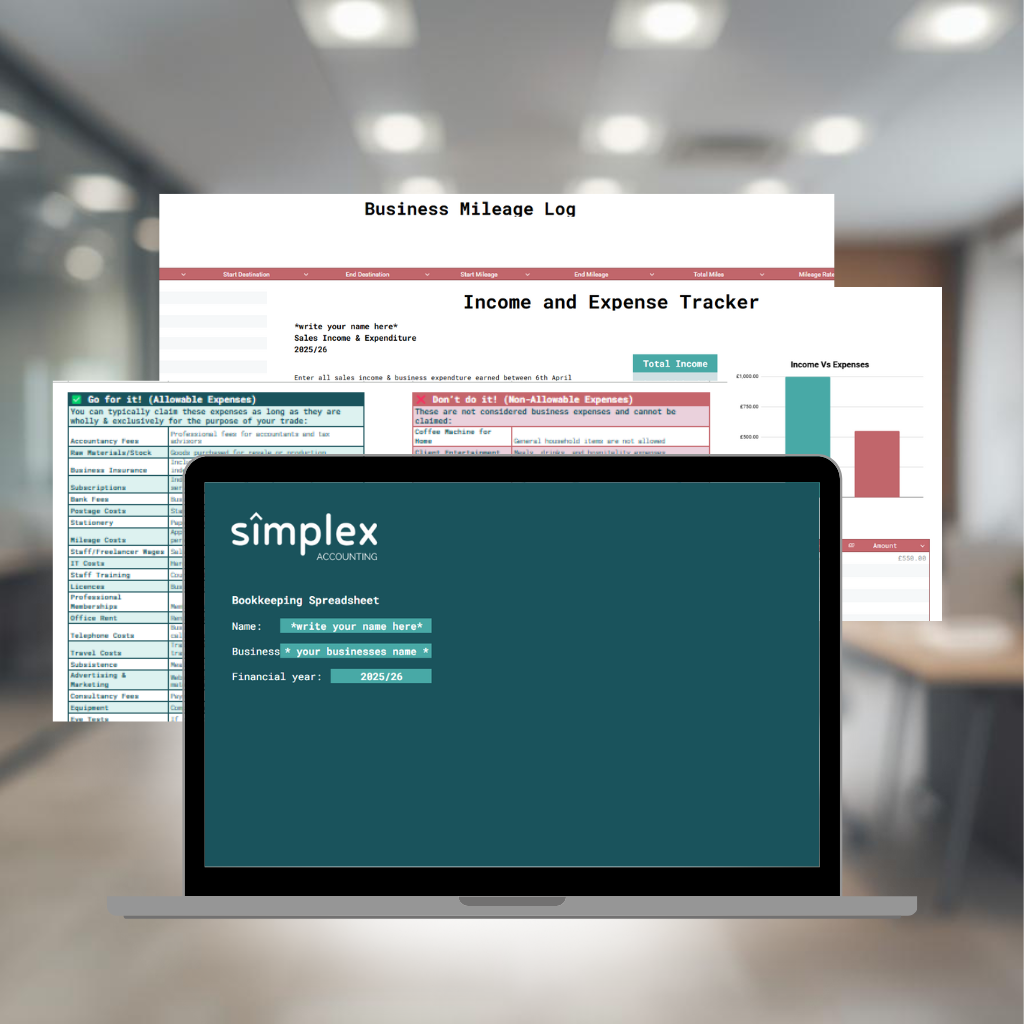
No worries. If you’d rather track mileage manually, our All In One Bookkeeping Spreadsheet is a really easy way to do it. It’s £25 and includes a built in mileage log, so you can record each trip in seconds and keep everything ready for tax time.
Grab your spreadsheet here for £25 and start logging your miles today.
Final thoughts
Tracking mileage is a quick win when it comes to saving tax. Once you get into the habit, it takes hardly any time at all.
MileIQ makes it even easier by logging every drive for you. You just swipe to mark trips as business, and your reports are ready when you need them. It also works with Xero, so your records stay tidy and up to date.
If you’re not sure you’re doing it right, or think you might be missing other tax claims, have a chat with your accountant. A short call could save you more than you think.
Every mile adds up. Make sure you’re claiming it.

Comments are closed